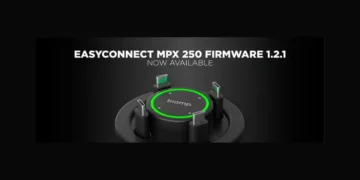







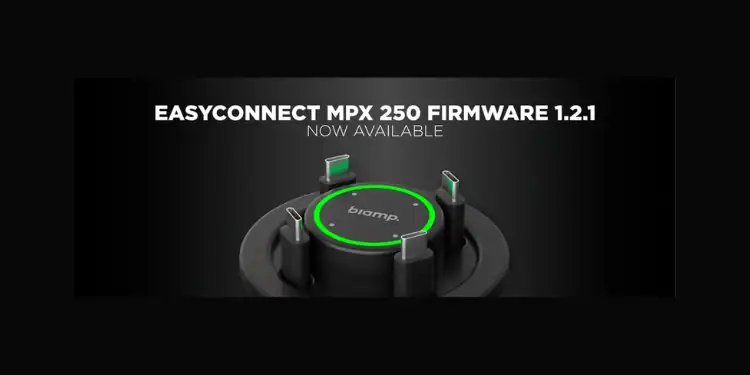
Modern collaboration environments demand technology that works instantly and intuitively. With the release of MPX 250 Firmware 1.2.1, Biamp has introduced a series of enhancements designed to make device connections faster, system behavior clearer, and deployments more reliable across today’s meeting spaces.
This update brings new administrative controls that help simplify the user experience in shared environments. Administrators can now lock the active button when a port is in use and automatically disable buttons for ports that aren’t connected. These improvements reduce user confusion and make the system’s behaviour more predictable, particularly in busy meeting rooms where multiple users may interact with the device.
Firmware 1.2.1 also introduces more flexible power management. Administrators can now choose between “Fair Share” and “First Come, First Served” power balancing modes, allowing systems to distribute power more effectively based on the needs of connected devices.
USB management has also been expanded with new configuration options that provide greater control over how devices interact with the system. Administrators can assign USB-C port roles and configure the system to automatically disable USB passthrough when no port is active. These capabilities help optimize performance and improve compatibility across a wider range of laptops and peripherals.
Beyond these new features, the release delivers several important performance and reliability improvements. Daisy-chain communication and automatic switching are now more reliable in multi-device deployments, while video and USB stability have been improved across popular collaboration platforms. Laptop-to-display connections are also faster, with video setup sequences up to 30% quicker, and compatibility with Apple MacBook systems has been further enhanced along with improved USB-C charging support.
Additional refinements improve over-the-air firmware updates, communication with the MPX Management Console, and overall system stability.
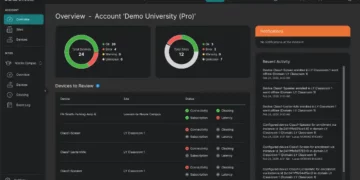
Alongside the firmware release, MPX Management Console 1.2 introduces support for the new device settings along with improvements to device setup communication, firmware update visibility, and login and configuration workflows. The updated console is compatible with both MPX 250 and MPX 200, providing administrators with a clearer and more efficient management experience.
Both updates are available now. Read the release notes here.